Auto Reboot
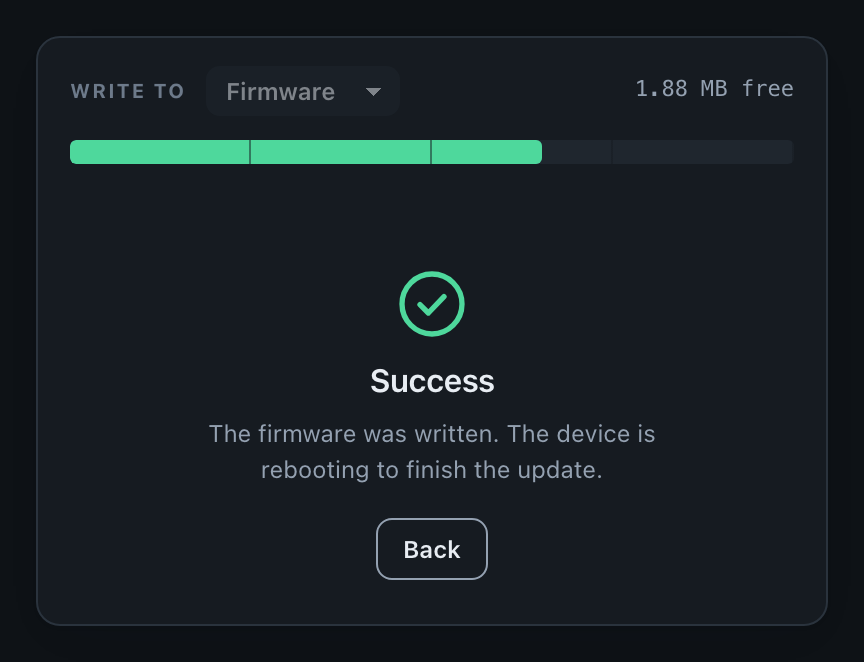
Often there comes a situation where you don’t want to reboot automatically. In these cases, you can use the setAutoReboot function which will enable/disable automatic reboot of your microcontroller after a successful OTA update. By default, auto reboot is enabled unless you explicitly disable it using example below.
Set Auto Reboot
You can set up auto reboot for your device using the ElegantOTA.setAutoReboot(false); function. This functions takes true or false to enable / disable automatic reboot. You can use this function anywhere in your code.
Reference
#include <ElegantOTA.h>

void setup() {
  // Initialize your hardware and other configurations here

  // Disable Auto Reboot
  ElegantOTA.setAutoReboot(false);

  // Additional setup code
}

void loop() {
  // Your main loop code here
}
In the above example, the ElegantOTA.setAutoReboot(false); function call disables automatic reboot.
The portal follows along: with auto reboot on it says the device is rebooting to finish the update, and with it off it asks you to restart the device yourself.